What is CRM software? It is where your company records every lead, every conversation with them and every deal, along with who owns it and what the next step is. Off-the-shelf software on a subscription is enough for most companies at the start; when your sales stages are unusual, or you need deep links to WhatsApp and your other systems, a custom system built around the way you work is the better fit.
In this guide we explain what CRM means in plain terms, what the software does in your team's day, how the types differ, the signs that you need a custom system, and the steps and mistakes that decide whether it is used. If you are looking for someone to build one for you, that is what our custom CRM development service delivers.
What is CRM software? CRM meaning in plain terms
CRM stands for customer relationship management. The practical meaning is simpler than the name: instead of customer data being spread across Excel sheets, salespeople's phones and WhatsApp chats, it comes together in one record per customer that the right people on your team can see.
The term is used in two senses: a way of working that puts the customer at the centre of sales and service, and the software that carries out that way of working. When a business owner asks "what is CRM?", they usually mean the second: a tool where the team logs customers and follows them through to purchase and beyond.
Nor is the need limited to large companies. A property office with three agents, or a service business receiving enquiries from its website, ads and WhatsApp, needs the same thing: to know where every customer stands, who is following them up and when the next call is due. What differs from a large company is the size of the system, not the need for it.
One question reveals the need quickly: if one of your salespeople were absent tomorrow, would a colleague know their customers and the last thing said to them? If the answer is no, your customer data lives on your staff's phones, not in your company, and that is exactly what this kind of software fixes.
What does CRM software do for your business?
Each product differs in its screens and labels, but the core functions recur in most of them. These functions are what you should measure any product against before you subscribe or build:
On top of these basics, products add what suits each business: quotes, after-sales support tickets, email campaigns, and links to a store or accounting system. The rule here is not to be dazzled by a long feature list: a feature your team does not use clutters the screen and adds nothing.
What management gains most from the software is visibility. When every customer, their source and their stage are recorded, you know which campaign brings customers who actually buy, at which stage deals stall, and which person needs support. These are numbers you only get from spreadsheets by tiring manual work at the end of every week.
One function that matters to many companies in Saudi Arabia is the WhatsApp link, because WhatsApp is a main channel for talking to their customers. When the software connects to the company's WhatsApp number, the conversation appears in the customer's own record, and a WhatsApp chatbot for business can answer repeated questions and log the lead in the system automatically.
Types of CRM software: off-the-shelf, customised or custom?
When you start looking you will find three main options, each suited to a particular situation. The difference between them is not quality but who adapts to whom: do you change the way you work to fit the software, or is the software built around the way you work?
| Off-the-shelf CRM | Off-the-shelf with customisation | Custom CRM system | |
|---|---|---|---|
| What it is | A subscription to a platform you use as it is | A ready platform with added fields, stages and integrations | A system built around your sales stages |
| Speed to start | Fastest: sign up and start | Slower, depending on how much is customised | Longest, starting with analysis and design |
| How it is paid for | A recurring subscription that usually grows with the number of users | A subscription plus set-up and customisation costs | A build cost, then hosting and maintenance |
| Connecting to your systems | Whatever integrations the platform offers | Wider, within the platform's limits | Exactly what you need, including WhatsApp and your internal systems |
| Ownership of data and system | Your data sits on the provider's platform, on its terms | Your data sits on the provider's platform, on its terms | Your data is yours; code ownership is set in the contract |
| When it suits you | A small team and a typical sales process | A typical sales process with extra needs | Unusual stages, deep integration or a large team |
Well-known off-the-shelf examples include Zoho CRM, HubSpot, Salesforce and Odoo. Before subscribing to any of them, try its trial with real data from your business, and check its Arabic support in the interface and reports, and where your data is stored.
There is no option that is right for everyone. Many companies start with off-the-shelf software and move to a custom system as the team grows or the sales stages get more complex. The costly mistake lies at either end: building a custom system before you understand how you sell, or staying on software that does not fit because moving the data looks hard.
When do you need a custom CRM instead of off-the-shelf software?
Off-the-shelf software is enough as long as the way you sell is close to the way it works, and we tell our clients so plainly: if a ready product covers your needs, there is no reason to build. These signs, though, mean you have outgrown it:
- Sales stages that don't fit the template: such as a real estate CRM that links each customer to the units they asked about and tracks viewings, offers and reservations.
- Deep links to WhatsApp and your systems: you want conversations, orders and invoices to land in the customer's record automatically, not by copy and paste.
- A subscription that grows with the team: every new user adds to the bill, and most of them need a single screen.
- A team back on spreadsheets: the fields don't match your work, so the software gets updated after the event rather than during it.
- Data that needs finer control: permissions by role and branch, an audit log of changes, and precise knowledge of where data is stored.
A custom system does not have to be a huge project. In many cases it starts with the stages and screens the team uses every day, then grows. Other custom systems for internal work, such as managing orders, appointments and approvals, are built the same way and can be part of the same system.
Once the system is in place, it becomes the foundation for sales automation: automatic follow-up reminders, routing leads to the team, and well-timed messages for each stage of the sale.
How do you choose CRM software or build your own?
Whether you end up with off-the-shelf software or a custom system, the first steps are the same, and they start from how your team works, not from a feature list:
- 1Map the sales processFrom first contact to close and beyond, using the stages your customers actually go through
- 2Set users and permissionsWho logs in, what each role sees, and who exports data
- 3List sources and systemsWebsite, ads, WhatsApp, store and accounting: what must connect to the system
- 4Test with real dataA trial or an interactive prototype your team uses on real customers
- 5Migrate data and train the teamClean the old data and remove duplicates, then a short training before launch
Mistakes that leave CRM software unused
- Choosing the software before mapping the process: the company ends up adapting to screens that don't match its work.
- Migrating data as it is: duplicates and stale records come in, and the team loses trust in the system in the first week.
- Nobody owns the system: no one checks that data is entered or updates the stages when they change.
- Everyone sees everything: open permissions expose customer numbers to export and leaks.
After launch, measure success by what actually happens, not by the number of features: how many leads entered the system from each source, how many were followed up on time, how many deals got stuck at one stage, and whether the team has stopped going back to spreadsheets. These numbers tell you whether the system is working for you.
Customer data in any customer management system is personal data, governed in the Kingdom by the Personal Data Protection Law. So before you choose, find out where your data is stored and who can reach it, collect only what you need from the customer, and set how long you keep it. If you will connect the system to WhatsApp, the link runs through the WhatsApp Business Platform, as Meta's official developer documentation explains, not through the app on a staff member's phone.
Why choose Graphica for custom CRM development?
We build custom CRM systems using the steps described in this guide, and these are the reasons Graphica deserves a place on your shortlist:
- We tell you if off-the-shelf software is enough: we start from your sales process, and if a ready product covers it we say so plainly before any proposal.
- We design permissions before screens: who sees customer numbers, who edits deals, who exports data, with an audit log of changes.
- WhatsApp and an AI agent connected: we connect your company number to the system, so the agent logs the lead and summarises the chat; the team sets its rules and you approve them.
- You see the system before you decide: an interactive prototype, then a trial version your team uses, then we migrate your data and train the team.
- Your data is yours: we export it for you whenever you ask, and the proposal states clearly who owns the code and the hosting.
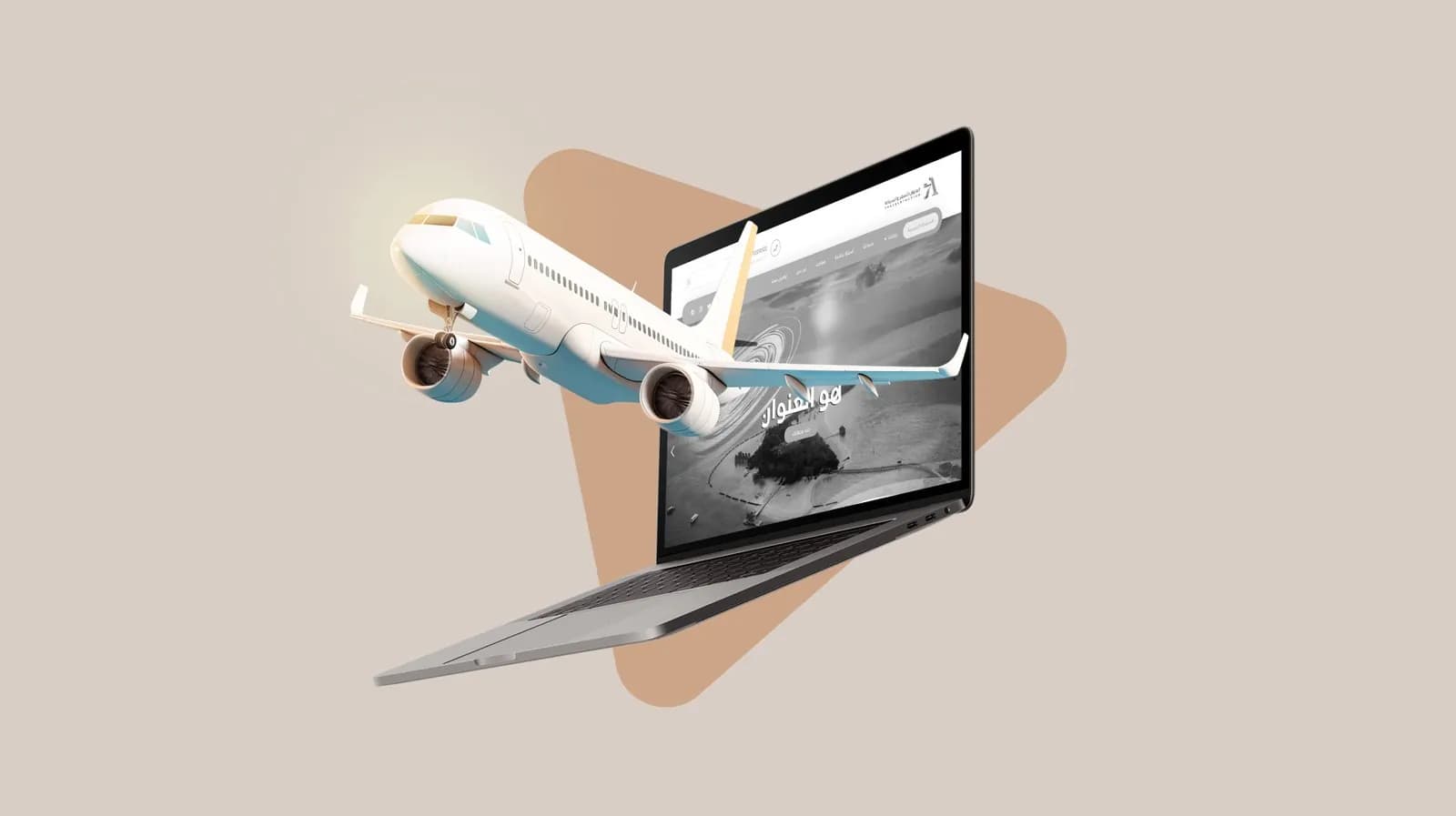
From our work in websites and systems, the website for The Address Travel & Tourism: we designed and built the site with a layout responsive to desktop and mobile, with a page of frequently asked questions and a contact page with an enquiry form and a map. We have delivered +150 projects for our clients across all of the agency's tracks.
If your team follows up customers from spreadsheets and WhatsApp, explore Graphica's custom CRM service, or message us on WhatsApp with your current sales stages and we will tell you which option suits you.
Frequently asked questions
What is CRM software?
CRM software is a customer relationship management tool where your company records every lead, every conversation and deal with them, who owns each one and when the next follow-up is due. Data scattered across spreadsheets, salespeople's phones and WhatsApp comes together in one record per customer, visible to the right people on your team.
What is the difference between CRM and ERP?
A CRM manages what happens before and around a sale: leads, conversations, deals and follow-ups. An ERP manages the company's internal operations: accounting, inventory, purchasing and HR. The two are often connected, so a closed deal moves from the CRM to the ERP, where its invoice is issued and stock is updated.
Does a small business need CRM software?
It does once leads start slipping through without follow-up, or when more than one person works with the same customers. Off-the-shelf software on a simple plan usually serves a small business well, provided it maps its sales process first and keeps data current. A custom system comes later, as stages grow complex or the team grows.
How much does CRM software cost?
Off-the-shelf software is a recurring subscription, usually charged per user, that varies by plan and features. A custom system's cost depends on the number of stages and screens, the systems it connects to, the volume of data migrated and whether a WhatsApp agent is in scope. So we publish no fixed price; our written proposal separates one-off and recurring costs.
Can a CRM connect to WhatsApp?
Yes, through the WhatsApp Business Platform rather than the ordinary app. Your company number is connected to the system, conversations appear in each customer's record, and an AI agent can answer repeated questions, log the lead and summarise the chat, then hand it to the right person on your team when a human decision is needed.
Start with your sales process
CRM software is not a screen you buy; it is the way your team knows where every customer stands and what comes next. Start by mapping your sales process and deciding who sees what, then choose: off-the-shelf software that is enough for now, or a custom system built around the way you work. If you would like help with the decision and the build, send us your request and we will come back with a written proposal setting out the scope and steps.